Your servers, your access
Bring your own machine over SSH or use a managed server. Docker, databases, reverse proxy, SSL, firewall and backups are configured for you.

Comparison
Render takes care of running web services, cron jobs and databases. Once servers, mobile apps or store releases enter the picture, its scope ends – the Application Platform covers that chain.
Start for free. No credit card required.
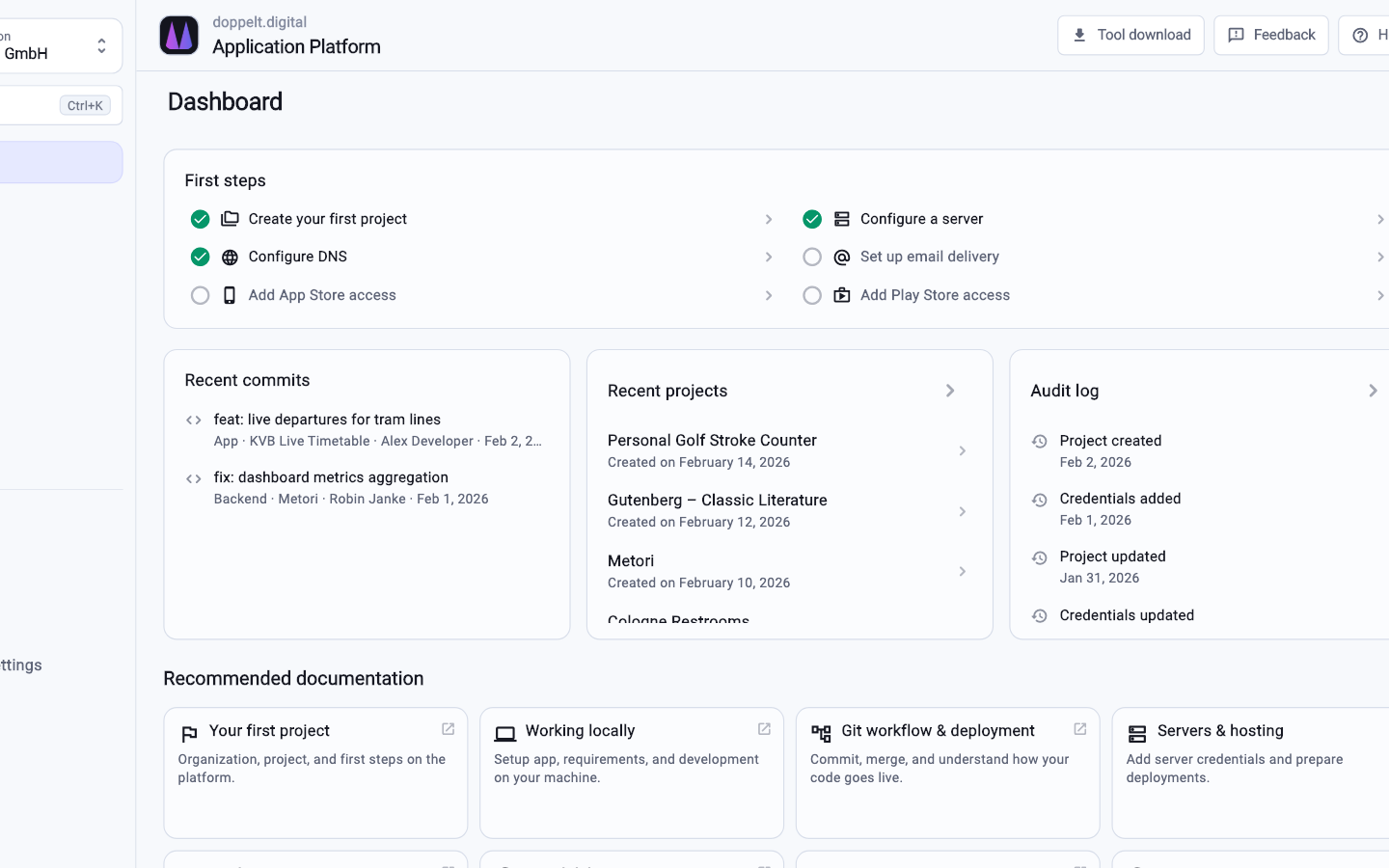
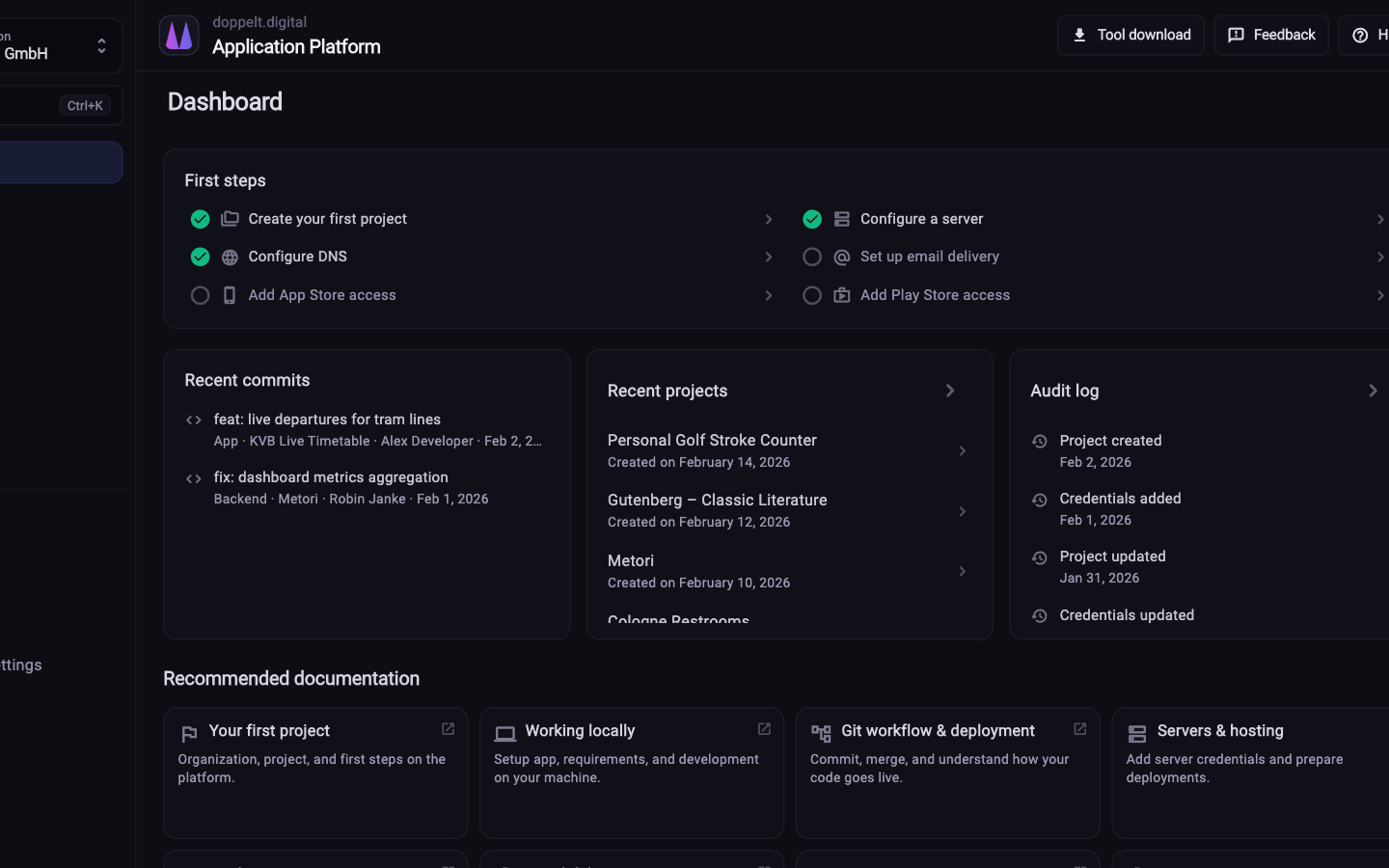
Both platforms remove infrastructure work. What differs is where your code runs and how far the chain reaches.
This reflects the typical scope of both platforms. Details change over time, so check the current information from each provider when it matters.
| Criterion | Application Platform | Render |
|---|---|---|
| Deploying web services and APIs | Fully covered: NestJS, Laravel, FastAPI and frontends through prepared pipelines | Fully covered: Core product, mature, with a strong developer experience |
| Cron jobs and background work | Fully covered: Run as containers on your server, configured in the project | Fully covered: Cron jobs and background workers as first-class service types |
| Databases | Fully covered: Provisioned on your own server, backups included | Fully covered: Managed databases as part of the platform |
| Use your own servers | Fully covered: Your own server over SSH or a managed server from the platform | Not offered: Not supported, workloads run on Render infrastructure |
| Project scaffolding from templates | Fully covered: Next.js, NestJS, Laravel, FastAPI, Flutter, Expo, Astro and Hugo as a ready project base | Partly covered: Templates for deploying existing projects, no project scaffolding |
| Configuration in the repository | Fully covered: GitOps for environments and deployments, GitLab CI configuration freely editable | Fully covered: Infrastructure as code through a YAML file in the repository |
| Building mobile apps | Fully covered: Flutter, Expo and native iOS and Android projects including build environments | Not offered: Not part of the product |
| Publishing to App Store and Play Store | Fully covered: Metadata, screenshots and versions through Fastlane, driven from the platform | Not offered: Not part of the product |
| Remote development environments | Fully covered: Cloud workspaces with VS Code, JetBrains, RDP and VNC, including macOS for iOS builds | Not offered: Not part of the product |
| Global edge network / CDN | Partly covered: Reverse proxy and SSL per server; no global edge network of its own | Fully covered: CDN for static content with a choice of regions |
| Where processing happens | Fully covered: Operated in the EU with a data processing agreement, servers freely selectable | Partly covered: US provider, regions selectable, processing under US law |
Green means fully covered, amber partly, grey not offered. Render is strong as a PaaS – the difference lies in how much of the chain each platform covers.
As of 10 August 2026. This comparison describes typical workflows and can differ from project to project.
Everything a pure PaaS leaves on your plate.
Bring your own machine over SSH or use a managed server. Docker, databases, reverse proxy, SSL, firewall and backups are configured for you.
Repository, project structure, pipeline, domain and credentials appear when the project is created, not when you first deploy.
Flutter, Expo and native projects get built, signed and published to the App Store, Play Store and Microsoft Store with their metadata.
Processing and hosting in Europe, with a data processing agreement, roles, access rights and an audit log.
Pipeline for Customer App
The migration happens step by step, with your repository as the foundation.
Attach your own machine over SSH or book a managed server. The baseline with Docker, reverse proxy, SSL and backups is created automatically.
Set up your project in the wizard and pick the stack. Repository, structure and CI/CD pipeline are created along with it.
Move web services, cron jobs and databases one at a time. Environment variables and secrets are managed centrally in the project.
Domain and certificates are part of the setup. Once the pipeline is green, you point the DNS record over.
For web services, background jobs and databases yes, and it covers more beyond that. What it lacks is a global edge network for static content, so a CDN in front of the platform still makes sense.
Only as much as you want. With a managed server the platform handles setup and maintenance. With your own server it configures Docker, databases, reverse proxy, SSL, firewall and backups, while operations stay with you, visible over SSH.
Render is a US provider, which can be handled contractually but often adds rounds to tenders. The Application Platform runs in the EU with a data processing agreement, and you choose where your servers are located.
Register for free, create a project and check how far the setup gets without any groundwork from you.
Start for free. No credit card required.